
The Marketing Ebook Download Module is a powerful solution designed to help businesses capture leads and deliver downloadable digital content with ease. It simplifies the process of promoting, managing, and distributing ebooks through high-converting download forms and seamless user experiences. Here’s a comprehensive overview of its key features and benefits:
Key Features of the Marketing Ebook Download Module :
-
User-Friendly Interface:
-
Intuitive Design: Easily navigate through the module with a clean and straightforward layout.
-
Drag-and-Drop Functionality: Simplify the process of adding images, text.
-
-
Fully Responsive:
-
Mobile Optimization: Automatically adjusts content for optimal viewing on all devices, including desktops, tablets, and smartphones.
-
No Coding Required: Enjoy a seamless experience without the need for additional coding or styling adjustments.
-
-
Customization Options:
-
Styling Controls: Modify colors, typography, margins, paddings, box shadows, and borders directly from the styles tab to match your branding.
-
Template Variety: Choose from a selection of pre-designed templates or create your own unique layout.
-
-
Lead Generation Focused :
Collect visitor information efficiently to grow your email list and marketing database.
How to Set Up the Marketing Ebook Download Module in HubSpot :
In the main dashboard, navigate to the ‘Content’ tab and choose either ‘Website’ or ‘Landing Pages’ depending on where you want to add the service section.
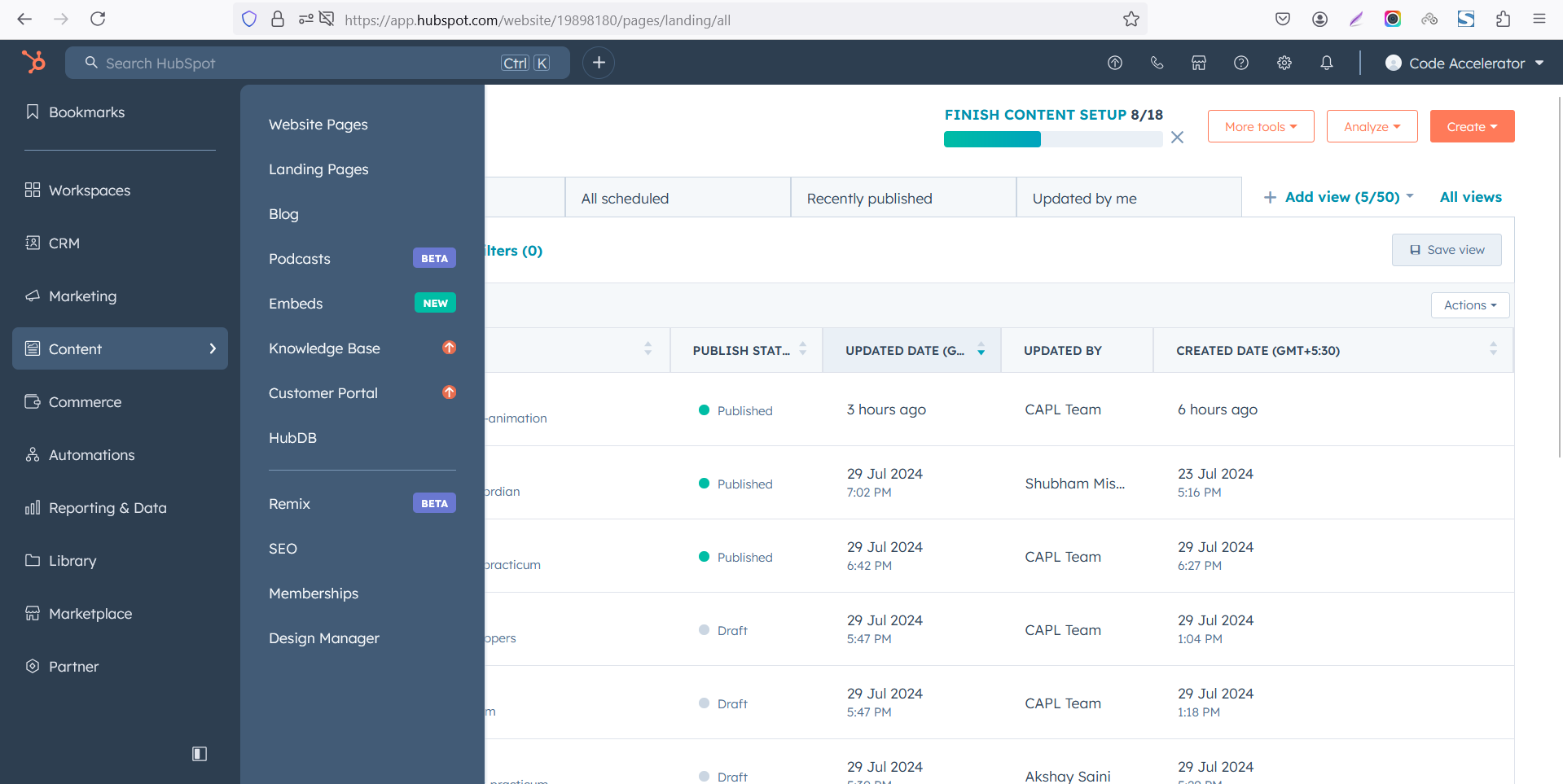
Select the page where you want to apply the module.
-Feb-13-2026-06-36-17-9723-PM.png)
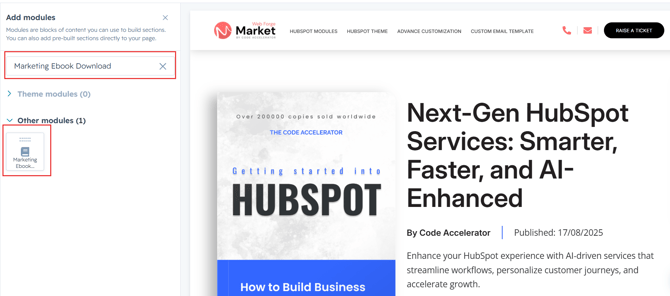
Search for "Marketing Ebook Download" and drag and drop the module into the desired location on your page.
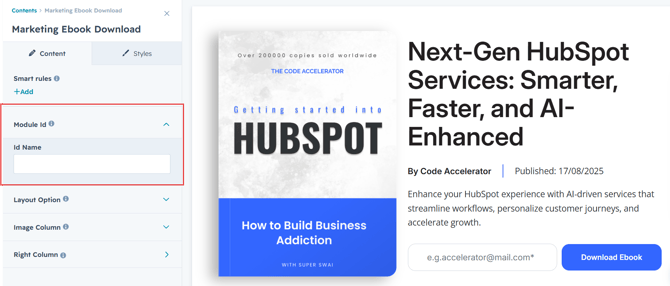
Module Defaults Options:
Layout ID :
Easily enhance navigation by adding an ID to the target section and using the same ID in an anchor link. This enables a smooth scrolling effect when users click a Call-to-Action (CTA) button, improving the overall user experience.
Layout Options :
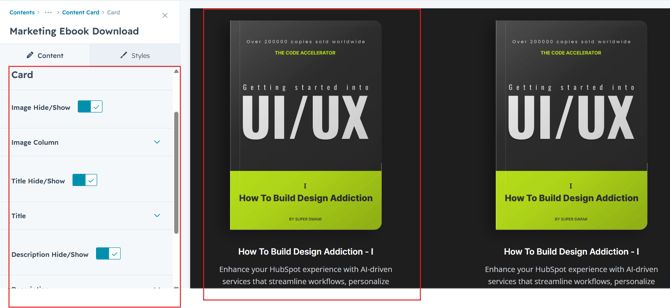
For Marketing Ebook Download, choose your preferred layout (e.g., Layout 1 or 2). You can easily rearrange the cards within the chosen layout to achieve the perfect content flow.
Options :
- Layout 1: The module features a two-column layout: the left side displays an engaging ebook image, while the right side includes a compelling heading, author name & publish date, a concise description, and a clear call-to-action (CTA).
- Layout 2: The module is organized into center align content with heading, description, CTA and E-Book image .
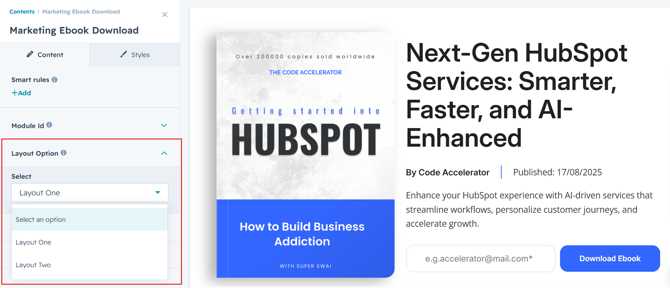
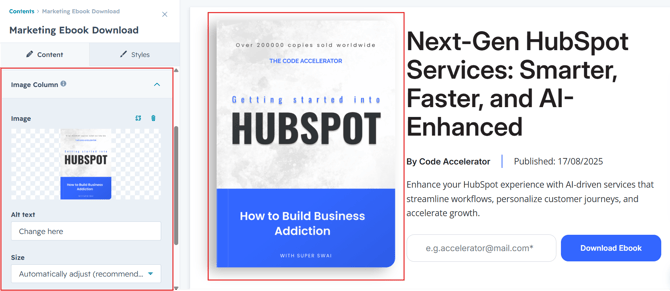
Image Column :
Easily customize and update the image in the module to align with your content. This allows you to refresh the visual presentation and ensure that the imagery resonates with your audience and branding.
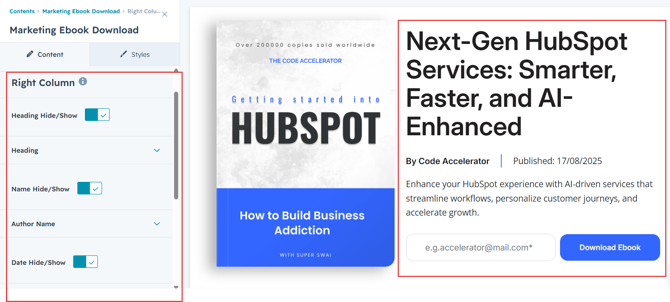
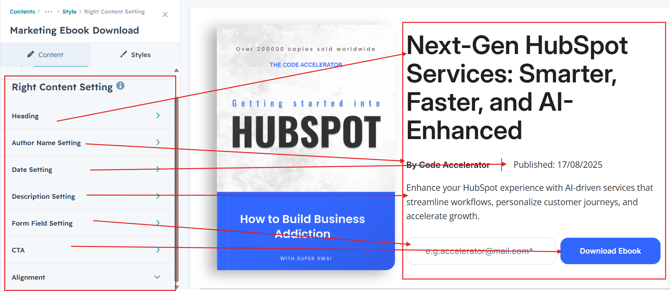
Heading, Author Name, Publish Date, Description, Form & CTA :
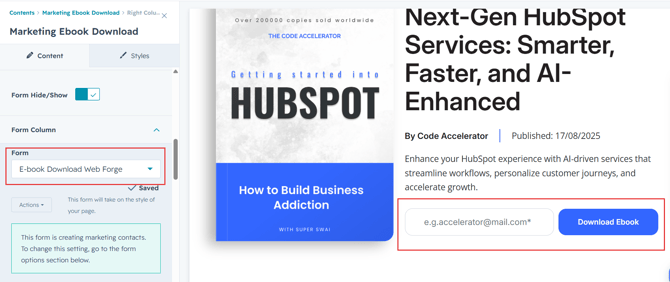
Easily customize the content in your module by modifying the "Heading," "Author Name", "Publish Date", "Description,", "Form" and call-to-action (CTA) to suit your needs. You can also choose to hide the section if desired, giving you complete control over the presentation and functionality of your content.
Please create a single mail field legacy form and select.
Module Style Options:
Module Setting :
Adjust the margins, padding, background colors, and container width to create the desired look and feel for your module. This flexibility allows you to fine-tune the layout and aesthetics, ensuring that your design is both visually appealing and functional.
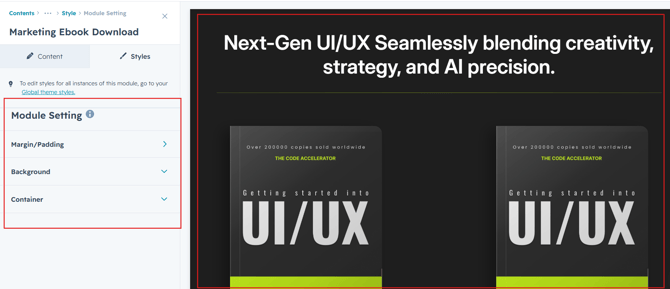
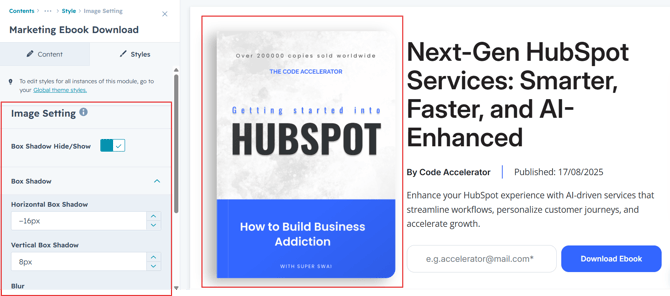
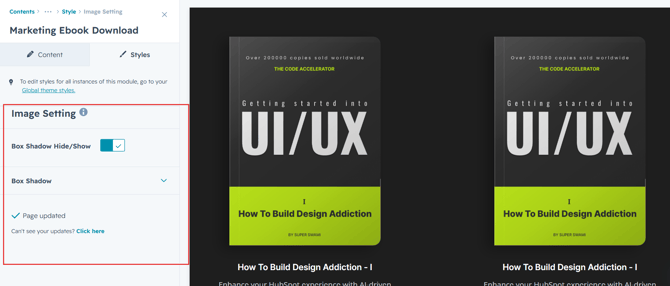
Image Setting :
Users can customize the image width and, if desired, add borders and corner radius to the image. They can also adjust the spacing around the image to ensure it fits seamlessly within the overall design, enhancing visual coherence and presentation.
All Content Setting :
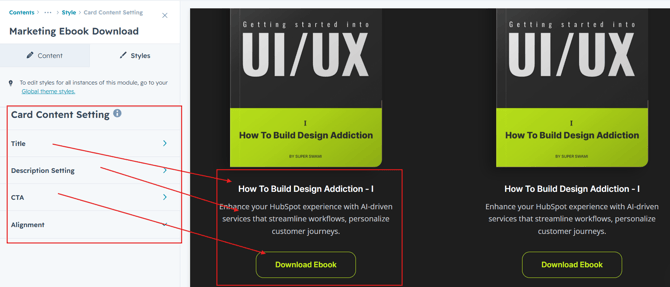
Users can fully customize the overall styling of the Marketing Ebook Download Module to create a visually cohesive and conversion-focused experience. The module includes flexible controls for bottom spacing, allowing seamless alignment with surrounding page sections. Typography settings for the heading, description, form title, and CTA button can be individually adjusted, including color, font size, font weight, and line height for both desktop and mobile views. Users can also personalize form fields, button styles, spacing, borders, and hover effects to match their brand identity. These responsive customization options ensure a polished, user-friendly design across all devices.
We hope you enjoy using our marketing ebook download module to create a seamless experience for both your users and your marketing team. At Code Accelerator, we're committed to ensuring your HubSpot experience is exceptional. If you need a custom HubSpot module or require a tailored HubSpot CMS or CRM setup, please don’t hesitate to Contact Us.