
The Fancy Clip Card Module transforms ordinary content into eye-catching visual experiences with unique clip-style card designs and smooth animation effects. Whether you're highlighting services, features, products, or company information, this module helps organize content in an attractive and engaging format. With responsive layouts, flexible customization options, and HubSpot-friendly controls, it's an ideal solution for creating modern content showcases that capture attention and drive user interaction.
Key Features Fancy Clip Card Module :
-
Responsive Design: Adjusts seamlessly across devices, from desktops to mobile screens.
-
Hover Effects: Visual feedback when users hover over cards, such as scaling, highlighting, or revealing additional information.
-
Customizable Styles: Fully customizable with CSS variables for themes, fonts, colors, and animations.
-
Performance Optimization: Lightweight animations optimized to ensure smooth interactions without lag.
- Multiple Card Support : Display multiple feature cards, service highlights, team members, or product showcases in a clean and organized layout.
How to Set Up the Fancy Clip Card Module in HubSpot :
In the main dashboard, navigate to the ‘Content’ tab and select either ‘Website’ or ‘Landing Pages’, depending on where you want to add the section. This allows you to choose the appropriate location for managing or updating your content.
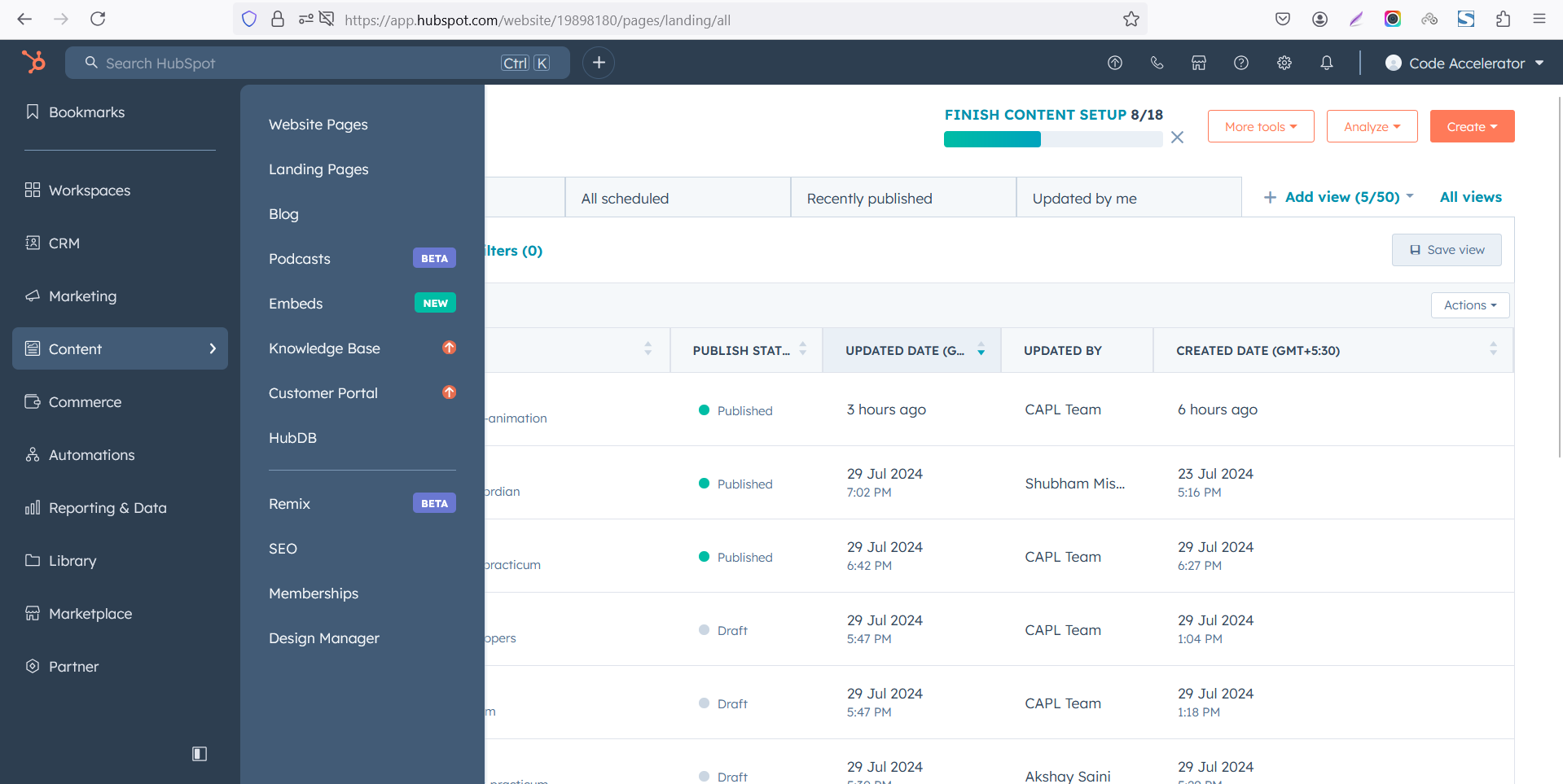
Select the page where you want to apply the module.
-Feb-13-2026-06-36-17-9723-PM.png)
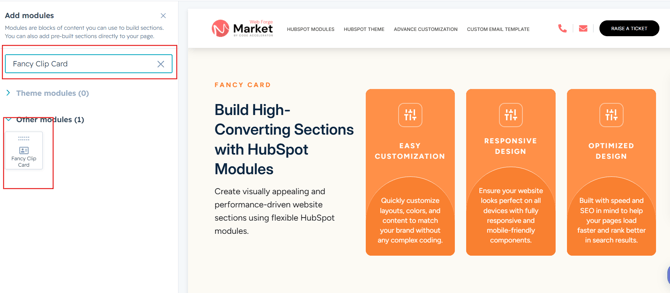
Search for "Fancy Clip Card" and drag and drop the module into the desired location on your page.
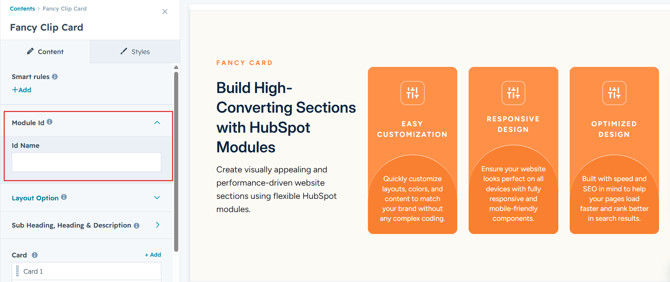
Module Defaults Options:
Layout ID :
To enable smooth scrolling for a CTA, assign an ID to the target element, reference that ID in the anchor link's href, and clicking the CTA will smoothly scroll the page to the section.
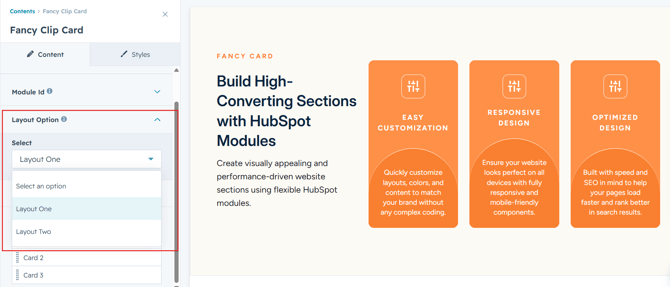
Layout Options :
For Fancy Clip Card, choose a layout (e.g., Layout 1 or Layout 2) and rearrange the cards to achieve the desired content flow and visual arrangement.
Sub Heading, Heading & Description :
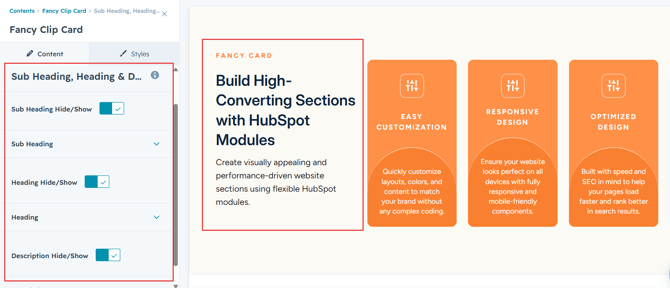
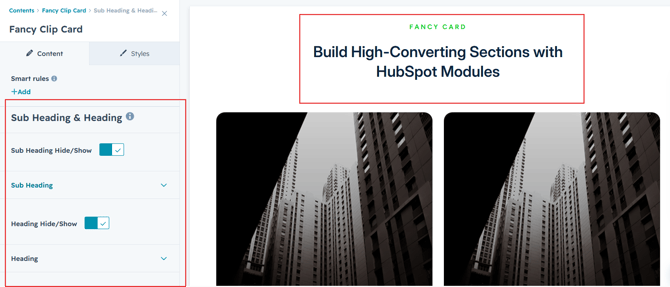
Easily customize the content in your module by modifying the "Sub Heading", "Heading," "Description. You can also choose to hide the section if desired, giving you complete control over the presentation and functionality of your content.
Options :
- Heading/Description & Sub Heading Show/Hide Toggle
Content Columns :
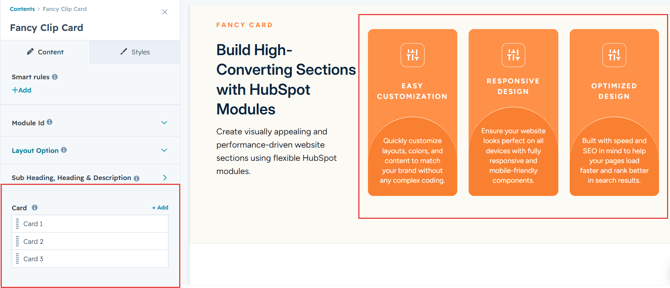
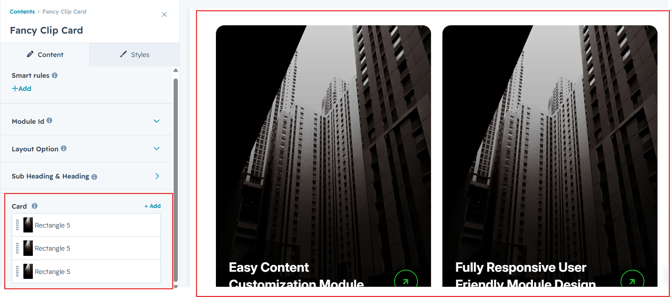
Users can customize each column by adding a title, a description to convey key information, an image for visual appeal, and CTA text with a link to drive engagement. Additionally, they can replicate columns as needed to match their content requirements, creating a flexible and visually cohesive layout suitable for various purposes such as showcasing features, services, or products.
Module Style Options:
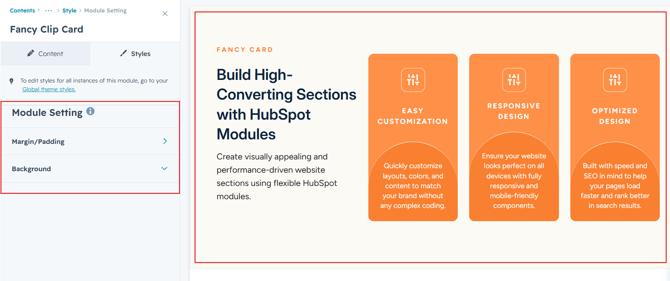
Module Setting :
Adjust the margins, padding, background colors, and container width to customize the module's appearance. This flexibility lets you refine the layout and aesthetics, creating a visually appealing, functional, and user-friendly design.
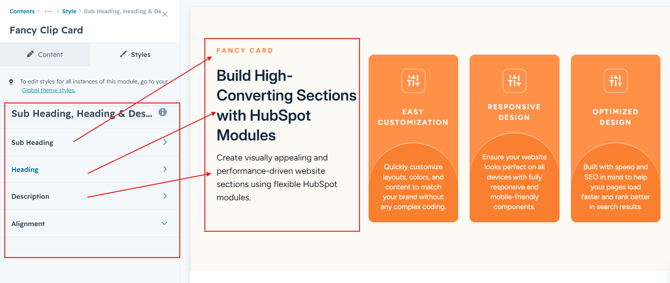
Sub Heading, Heading & Description Setting :
Users can customize the spacing of the heading, as well as adjust the typography for the sub heading, heading and description. This includes modifying the color, font size, weight, and line height for both mobile and desktop views, allowing for a personalized and visually cohesive design across all devices.
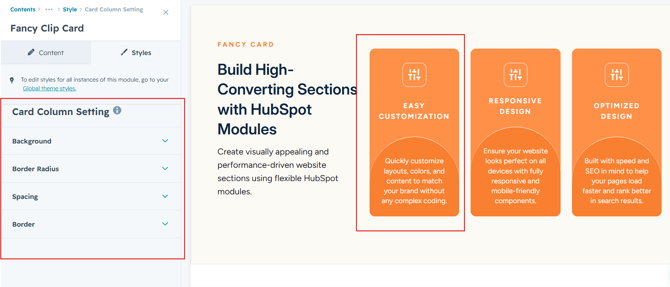
Column Section Setting :
Users can customize column spacing and adjust the background, border, border radius to create their desired design style.
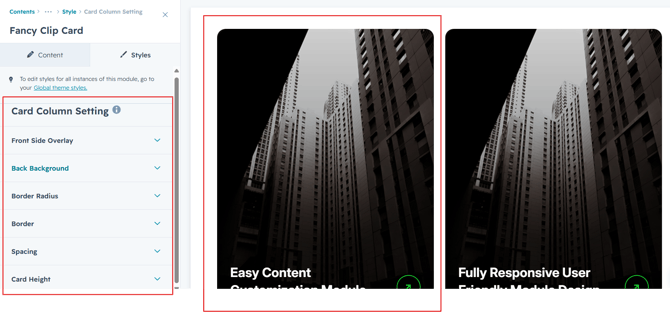
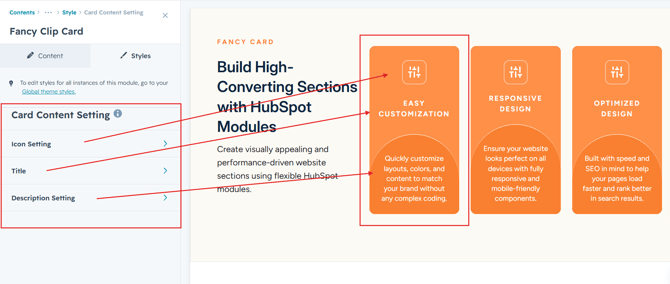
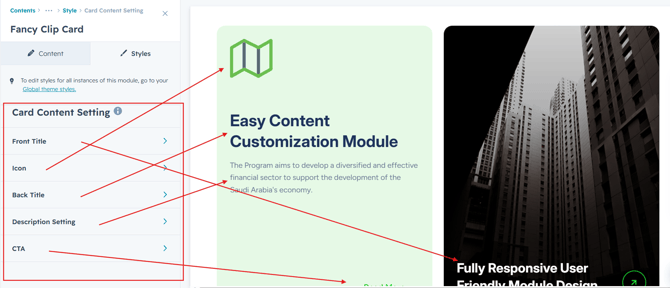
Column Content Setting :
Users can customize the icon, title, description, and CTA typography by adjusting font size, line height, and spacing for both mobile and desktop views. They can also modify text transform and alignment. For the CTA.
We hope you enjoy using fancy clip card module to create a seamless experience for both your users and your marketing team. At Code Accelerator, we're committed to ensuring your HubSpot experience is exceptional. If you need a custom HubSpot module or require a tailored HubSpot CMS or CRM setup, please don’t hesitate to Contact Us.